Free is for fit
Use Meshy AI Free to reject a poor workflow quickly and learn what kind of input gives you a useful starting point.
Free Plan Page
The quickest way to check whether Meshy's hosted 3D workflow is worth a deeper test before you spend money.
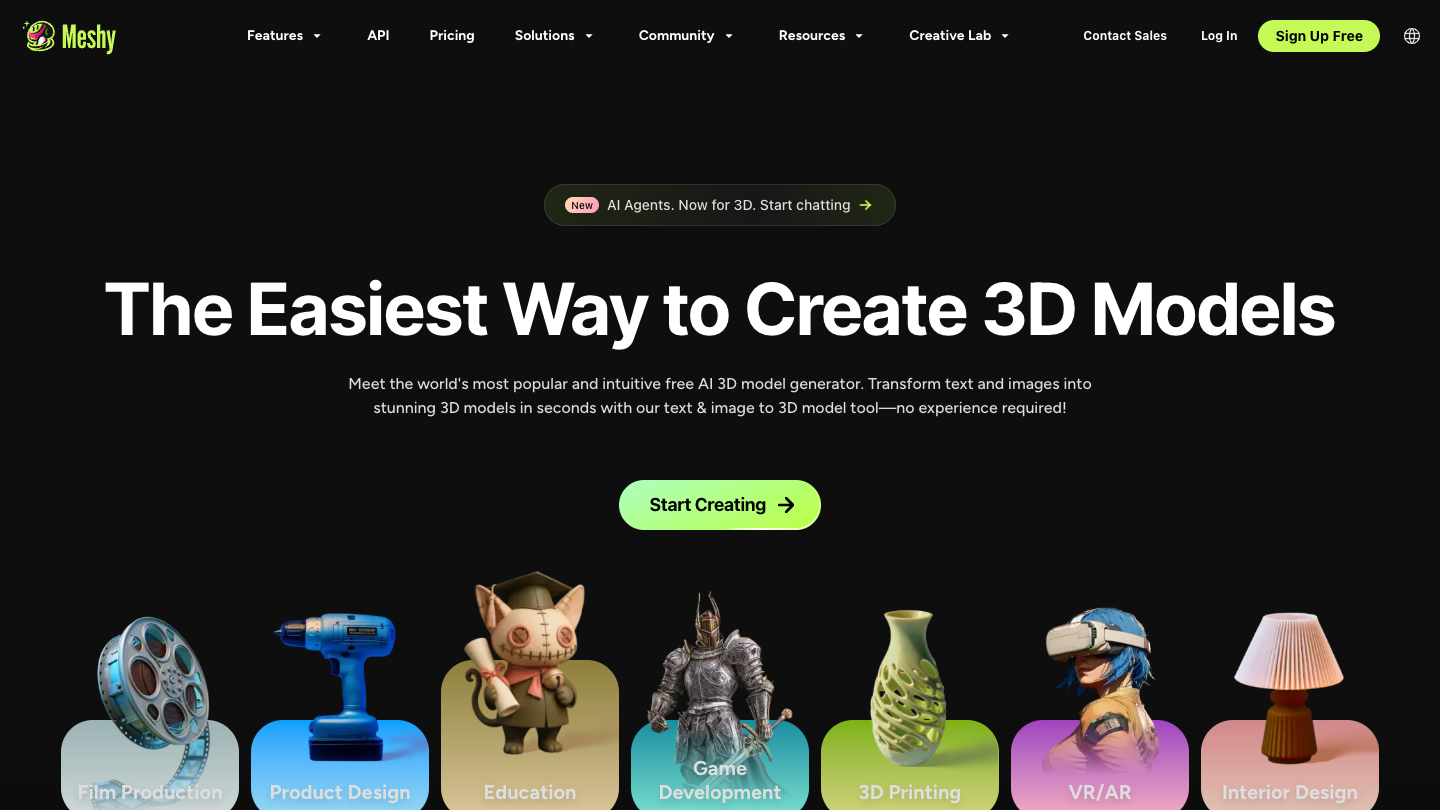
Meshy AI Free is the public entry point. Use it to see whether the generation flow is promising enough to justify a paid plan later. It is a decision step, not proof that the paid workflow will satisfy a specific print or production standard.
Last checked: August 12, 2026
Sources checked: Meshy Help Center, Meshy pricing page, Meshy product site
What may change: Free-plan limits, download rules, credit policy, and upgrade terms can change. Verify the live Meshy pages before paying.
| Check | What to verify | Why it matters |
|---|---|---|
| Entry point | The Help Center currently lists Free at $0 with 100 monthly credits | It gives you a low-risk way to judge the product direction |
| Free-plan scope | Test a real prompt or image, then check the current download and attribution rules | Free access does not prove that a paid or commercial export workflow will fit |
| Output fit | Use the type of object you would actually make | A toy prompt can hide generation, cleanup, and slicer friction |
| Next step | Move to pricing when a free result is worth preserving | That is when credits, downloads, and ownership terms start to matter |
The free plan is best treated as a screening step. It can show whether Meshy's interface, prompt style, and output direction fit your idea. A paid plan becomes relevant when you need to keep more usable outputs, access a wider export workflow, use commercial rights, or generate often enough that monthly credits remove a real bottleneck.
Use Meshy AI Free to reject a poor workflow quickly and learn what kind of input gives you a useful starting point.
Check pricing after the workflow repeats and you can name the access, volume, or rights limitation you need removed.
A credit allowance does not tell you how many accepted exports you will get after retries, repair, and slicer checks.
Check whether Meshy's input style and output direction match the kind of object you actually want.
See whether a generated file survives a normal check in your slicer before you think about paying.
Use the free tier to reject weak outputs quickly instead of paying just to discover the workflow is wrong.
Free does not prove consistent printability, clean topology, ownership outcomes for every project, or how much cleanup the paid path will still need. Those are workflow questions, not homepage questions.
Upgrade only after you have a repeated free-plan result worth preserving. If the outputs still need too much repair, the issue is workflow fit, not plan size.
Go to pricing Compare alternativesIt is Meshy's public free plan. Use it to check whether the prompt-to-3D or image-to-3D flow is worth your time before you pay.
It is enough for a first decision, not a final workflow verdict. Treat it as a proof-of-fit step, not proof that paid output quality is acceptable.
Compare generation speed, output shape, cleanup burden, export limits, and whether the result survives a slicer check.
Move to pricing when the preview looks promising enough that you need to check credits, download access, or team use before continuing.
Go to pricing once the free workflow already feels promising and you need to understand what unlocks with paid access.
The current Meshy Help Center lists Free at $0 with 100 monthly credits. It is useful for checking the product direction, but download access and usage rights have important limits that should be verified before a commercial project.