Text to 3D
Best when you already know the object you want but do not want to build from zero.
Features Page
This page is not a copied feature list. It is a judgment layer over the public features, exports, ownership rules, and API availability.
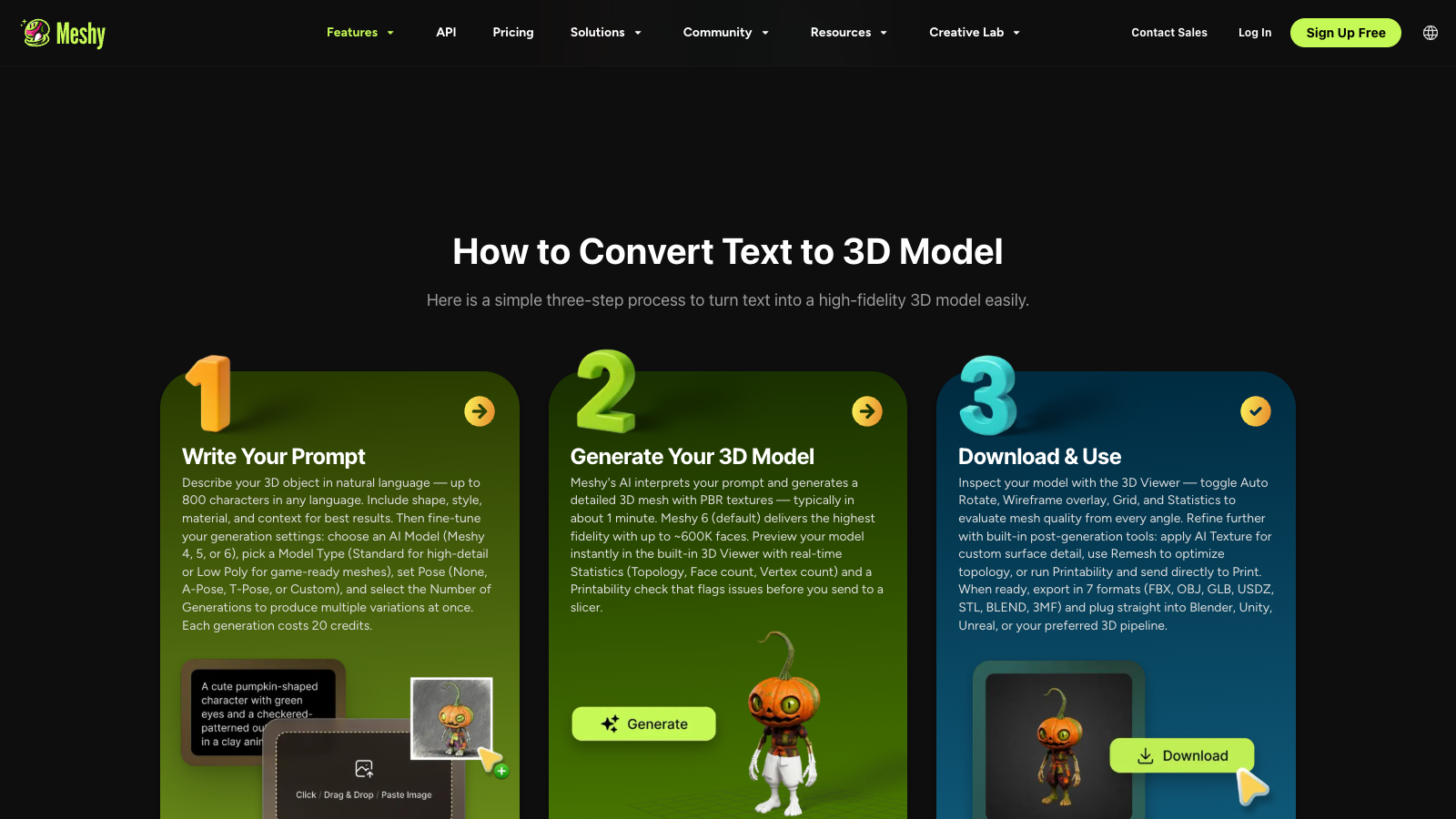
Meshy's most useful features are not just Text to 3D and Image to 3D on their own. The value comes from how they connect to exports, ownership, workflow, and eventual API access. If the features only look exciting on a landing page but do not survive your real toolchain, they do not count.
| Feature fact | Best use | Limit |
|---|---|---|
| Text to 3D | Meshy's Text to 3D page says it turns prompts into 3D models for games, prototyping, and 3D printing. | Best use: rough-first ideation. Limit: you still need to judge topology and print readiness yourself. |
| Image to 3D | Meshy's Image to 3D page says it turns photos into textured 3D models and supports STL, OBJ, FBX, and GLB downloads. | Best use: simple shapes or reference borrowing. Limit: reflective or complex objects are less dependable. |
| Ownership and license | Paid plans give you ownership of what you create, while free outputs use CC BY 4.0. | Best use: paid if you need cleaner commercial ownership. Limit: free use still requires attribution. |
| Plugins | Meshy's public pages list Blender, Unity, and multiple 3D printing platform integrations such as Bambu Studio. | Best use: faster handoff into existing tools. Limit: integration still does not replace manual model checks. |
| API availability | Meshy links its API from both the pricing page and the public docs hub. | Best use: repeated workflows. Limit: API value is low if you have not yet proven the manual workflow. |
Last checked: July 23, 2026
Sources checked: Text to 3D, Image to 3D, Meshy pricing, Meshy docs
What may change: Supported formats, plan access, plugin lists, and ownership rules can change over time.
Best when you already know the object you want but do not want to build from zero.
Useful when an image is the input you need to evaluate instead of a text description.
Best when your output needs to move into a slicer, DCC, or engine without format friction.
Best when the manual workflow already works and you are ready to automate repetitive generation tasks.
Hobby printing, rapid concepting, simple creator assets, and situations where a rough first pass is enough to get momentum.
Exact part design, dimension-critical workflows, or any situation where the cost of a bad generation is higher than the time saved by starting quickly.
The practical limit is not whether Meshy can produce something visually interesting. The practical limit is whether the generated output is strong enough for your next tool. That is why export formats, ownership rules, and manual review matter as much as the headline feature list.
| Feature | Best workflow | Limit | Next page |
|---|---|---|---|
| Text to 3D | Text-led concept evaluation | Output quality requires file inspection | Workflow |
| Image to 3D | Reference-image evaluation | A preview does not establish unseen geometry | Tutorials |
| Export formats | Move outputs into slicers or editors | Export support does not guarantee print readiness | Review |
| API access | Repeatable automation | Useful only after the manual flow is proven | API |
Some features are product-level. Some are plan-level. Credits, ownership, API access, and concurrency belong to the pricing conversation as much as the features conversation. If the feature you care about is automation, go to API next. If the feature you care about is simply more usage, go to pricing.
Go to pricing Go to APIIf the feature you most care about is stronger concurrency, a different price-to-volume ratio, or a more studio-oriented API path, read the alternatives page next instead of forcing Meshy to be the answer by default.
For hobby users, the most important features are Text to 3D, Image to 3D, export support for common 3D formats, and the ability to move quickly into a slicer for inspection.
The features that affect buying most are credits, export formats, ownership rules, API access, and whether the feature mix matches your real workflow instead of just looking impressive in demos.
Yes. As checked on the public product pages, Meshy lists STL among its downloadable formats for Text to 3D and Image to 3D outputs.
No. The free plan is enough to test the product, but ownership rules, queue priority, API access, and some upgrade-related benefits change once you move onto paid tiers.
Go to pricing when the feature set already matches your workflow and you need to judge cost. Go to API when the feature that matters most is automation rather than manual generation.
Alternatives matter when the exact feature you care about is stronger elsewhere, such as higher-end API access, deeper studio controls, or different quality tradeoffs.